nakula Casino & Sportsbook Mobile App
nakula is accessible on Android, iOS, and web browsers, giving you flexibility in how you access our live-dealer tables, sportsbook markets, and slot games. Our mobile installation is straightforward: Android users download the APK directly from our website, while iOS users access nakula via their browser. Each path offers the same account, deposits, and withdrawals—no separate registration needed. Your balance syncs across all devices, so you can continue where you left off whether you are on your phone, tablet, or computer.
- LoginOTP Verification
- StartFirst Game
- SHA256 Match
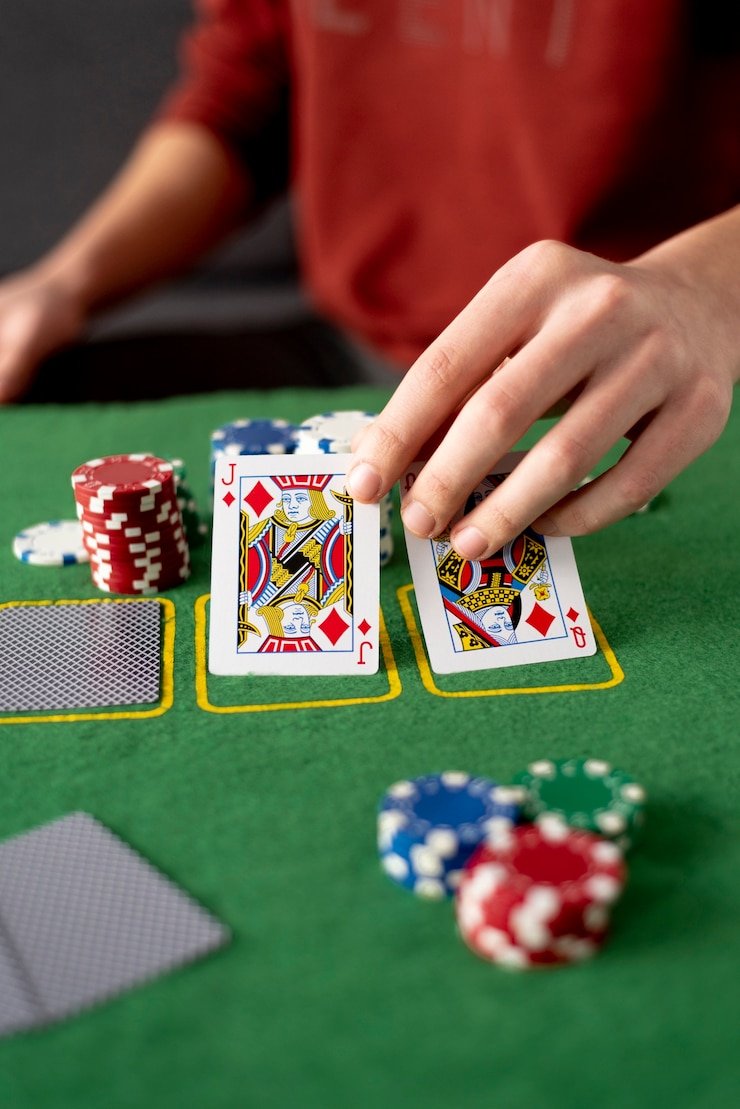
Live-dealer tables form the heart of our mobile experience. Our HD broadcasts of blackjack, baccarat, roulette, Dragon Tiger, and Sic Bo are optimized for smaller screens while retaining full table visibility, chat functionality, and dealer interaction. Multilingual dealers support players across Indonesia and neighbouring regions. Table limits range from casual to high-stake environments, so you can find a seat suited to your comfort level.
Our mobile setup also supports sportsbook coverage (Liga 1, Piala Indonesia, Piala AFF, Champions League, MotoGP), slot games (Aviator, Sweet Bonanza, Gates of Olympus, Fortune Tiger, Mahjong Ways), and esports markets (Mobile Legends, Free Fire, PUBG Mobile). Deposits and withdrawals work the same on mobile as on web—DANA, e-wallet, mobile banking, local payment, online payment, e-wallet, mobile banking, local payment, online payment, and e-wallet are all supported. Account verification, KYC document upload, and support requests are mobile-friendly, with responses from our team within one business day.
Installation Options for nakula on Your Device
We at nakula provide three paths to access our platform: Android APK direct download, iOS web browser, and desktop web browser. Android users can download our APK file directly from this page and install it on their device—no Google Play Store submission means faster updates and no third-party app store restrictions. iOS users open nakula in Safari or any mobile browser; progressive web app technology caches core elements locally for faster loading and offline access to account history. Desktop users access the same full-featured platform via any modern browser.
Each path uses your same nakula account. Once you register with your email, mobile number, and password, your credentials work across all devices. Your account balance updates in real-time no matter which device you use. If you switch from Android to web, or from mobile to desktop, your balance, account history, and deposit methods remain the same.
Installation Steps for nakula on Android
-
Download the nakula APK file
Click the Android download button above or visit our website on your phone to get the latest APK file.
-
Enable installation from unknown sources
Go to Settings > Security (or Apps & Notifications > Advanced > Install unknown apps) and toggle on permission for your browser or file manager to install apps.
-
Open the APK and install
Tap the downloaded file and follow the on-screen prompts to complete installation.
-
Launch nakula and log in
Open the app, enter your email and password, and proceed to deposit or browse our live tables and markets.

Android APK vs. Mobile Web App vs. Desktop Browser
Our native Android APK offers offline caching—game history and account details remain visible even without internet, updating when you reconnect. Push notifications alert you to table openings, deposit confirmations, and support responses. The APK loads slightly faster on repeat sessions because core UI elements are cached locally. However, the mobile web app achieves similar speed through progressive web app technology, caching the same elements in your browser. Both offer live-dealer streams with HD quality, multilingual dealers, and real-time betting.
Desktop access via browser provides the largest screen real estate and is preferred for detailed account reviews, large deposit amounts, and KYC document uploads. All three paths sync your account balance and transaction history instantly. Choose whichever suits your device and routine—most players use Android for convenience, web for flexibility, and desktop for account management or high-stakes sessions.
Device Compatibility for nakula
Our Android APK supports devices running Android 7.0 or later. Most phones and tablets sold in the last five years meet this requirement. iOS users need iOS 12 or later; our web app runs on Safari and all modern mobile browsers (Chrome, Firefox, Edge). Desktop browsers include Chrome, Firefox, Safari, and Edge on Windows, macOS, and Linux. If your device is older, contact our support team to confirm compatibility before downloading.
Troubleshooting Common Installation Issues on nakula
If you see a warning that "unknown sources" are not permitted, check Settings > Security and enable installation from unknown sources for your browser or file manager. Some Android versions label this as "Install unknown apps" within the app-management section. If installation fails midway, clear your browser cache and re-download the APK. If the app crashes on launch, restart your device, update your Android version if updates are available, and re-install the APK. For iOS users experiencing slow loading, clear your browser cache (Settings > Safari > Clear History and Website Data) and refresh the page. If problems persist, our support team can guide you through additional steps via live chat or email—we respond within one business day.
Data, Permissions, and Account Security on nakula
Our Android APK requests permissions to access your internet connection, storage (to cache game history and broadcast recordings), and notification service (for deposit confirmations and support replies). We do not request access to your contacts, camera, or microphone unless you choose to verify your account via live-agent support, in which case only your webcam stream is used and discarded after verification. Your login credentials are encrypted during transmission and never stored in plain text on your device. Two-factor authentication via email or SMS adds an extra security layer. If you lose your phone, your nakula account remains secure because login requires your password; you can recover access by visiting our website on another device and using your email address to reset your password.

Summary: Accessing nakula on Any Device
We at nakula support Android, iOS, and web access through a single account. Download our APK on Android for fast, offline-capable performance; use your mobile browser on iOS or desktop for instant web access with no installation required; or use desktop for account management and large transactions. Our live-dealer tables, sportsbook, slots, and esports markets are fully functional on all three platforms. Deposits and withdrawals via e-wallet, mobile banking, local payment, online payment, e-wallet, mobile banking, and bank transfers work identically across devices. Account verification, support, and transaction history sync instantly. Choose the installation method that fits your device and routine—our team is available via live chat or email during operating hours to assist if you encounter any issues.
Access nakula from Android, iOS, or desktop—one account, all devices, live tables always within reach.